
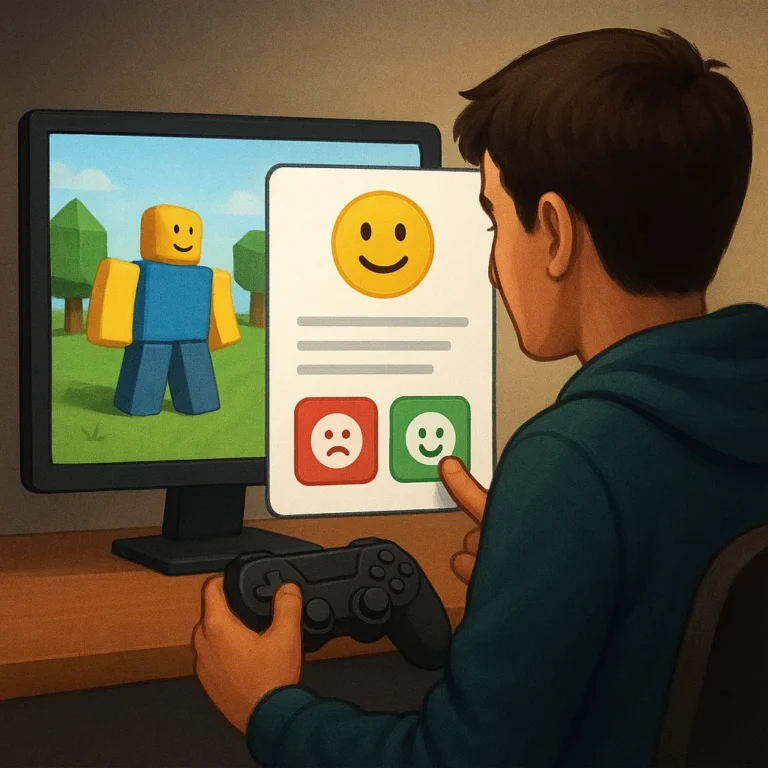
Player feedback gives Roblox creators evidence about what players understand, enjoy, and abandon. Instead of treating every comment as an order, use responses to investigate the experience behind them. Careful listening can reveal confusing goals, frustrating controls, rewarding moments, and promising ideas while keeping the game’s original direction firmly in view.
A useful feedback process connects observation with action. Collect comments in places players already trust, organize them into recurring themes, test whether a concern affects many people, and then choose changes that support the experience you intended. This approach turns a noisy conversation into a practical improvement plan rather than a contest of opinions.
Collect Feedback Through Appropriate Channels
Begin by giving players several appropriate ways to respond, such as an in game survey, a moderated community channel, a support form, or a short prompt after a session. Different channels attract different kinds of evidence. A survey may expose broad patterns, while a conversation can explain why a particular moment feels confusing or unfair.
Set expectations before asking for opinions. Tell players what kind of feedback you need, which details matter, and whether you can promise a response. Ask for the location of a problem, the steps that caused it, the device used, and the desired outcome. Specific prompts produce clearer reports than a vague request to share thoughts.
Choose Channels That Fit the Question
Match each channel to the decision you are trying to make. Use private forms for account or purchase issues, public discussions for broad reactions, and structured playtests for observations you want to compare. Protect personal information, moderate harassment, and record the date, game version, and player context so later analysis does not lose important detail.
Group Comments Into Recurring Themes
After collecting responses, group them by the experience they describe rather than by the loudness of the speaker. Useful categories might include onboarding, movement, combat, performance, social features, or unclear rewards. Add a short summary to each group and link supporting examples. Organization helps you see whether several comments describe one underlying issue.
Do not let one dramatic comment define an entire theme. Count how often a concern appears, but also note who experiences it and when it occurs. A problem affecting new players may deserve attention even if veterans never mention it. Conversely, a request from a dedicated group may be valuable without representing every player.
Look for Patterns, Not Just Volume
Compare language, timing, and behavior around each report. If players call a reward system boring, examine completion rates, repeated exits, and comments about unclear progress. If they praise a new tutorial, check whether beginners reach the first meaningful decision more often. Combining words with simple measurements prevents assumptions from becoming your roadmap.
Distinguish Bugs From Personal Preferences
Feedback becomes more useful when you separate defects from preferences. A broken door that blocks progress is a bug; a door color someone dislikes is a preference. Some reports sit between those categories, such as confusing instructions or an unfair difficulty spike. Investigate the player impact before deciding how urgently the team should respond.
Ask whether the report can be reproduced, whether it prevents a goal, and whether a reasonable player would expect different behavior. Save screenshots, steps, device details, and session context when possible. For subjective requests, record the need beneath the proposed solution. Players may ask for a larger button when the deeper issue is poor visibility.
Prioritize Changes by Player Impact
Prioritize changes with a transparent method instead of chasing the newest message. Consider how many players are affected, how severely the issue blocks enjoyment, how often it occurs, and how much effort a fix requires. Also weigh strategic fit. A small change that protects the core experience can beat a flashy feature with limited value.
Create a simple scorecard so decisions remain consistent. You might rate reach, severity, confidence, and effort on small scales, then discuss unusual cases with the team. Do not hide judgment behind a formula; use the score to start a conversation. Record rejected ideas and revisit them when player behavior or project goals change.
Communicate Improvements Clearly
When you ship an improvement, explain what changed and why. Use plain language in update notes, community posts, or an in game message. Mention known limits without becoming defensive, and tell players how to report remaining problems. Clear communication shows that feedback influenced a decision, even when the final result differs from the original request.
Close the loop with the people who contributed useful evidence. Thank them, share the outcome, and invite them to test the next version when appropriate. Avoid claiming that every suggestion was accepted. Players usually value an honest explanation of tradeoffs, because it makes future requests more specific and builds trust around the development process.
Player feedback works best as evidence, not as a substitute for creative leadership. Listen widely, organize carefully, test important claims, and choose improvements that strengthen the promise of your Roblox game. When you communicate the reasoning and measure the result, players become informed collaborators while the creator remains responsible for the direction.